
About Aethersx2 APK
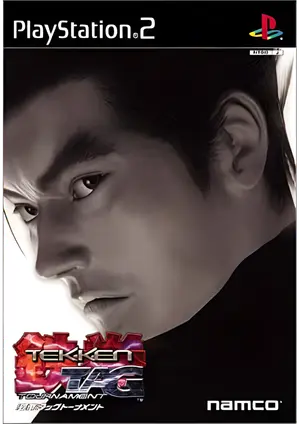
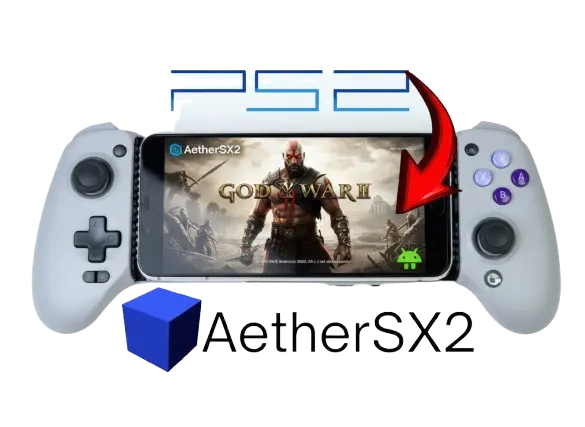
AetherSX2 is a powerful and user-friendly PlayStation 2 emulator designed specifically for Android devices, allowing gamers to relive classic PS2 titles. Known for its impressive performance and compatibility, AetherSX2 leverages modern hardware to deliver smooth gameplay, enhanced graphics, and customizable controls.

|
Name: |
Aethersx2 |
|
Version |
V1.5-4248 |
|
Genre: |
Ps2 Android emulator |
|
Device Requirement |
Android 8+ |
|
File size |
17 MB |
|
Ratings |
4.8 |
|
Last update |
5 days ago |
Features Of Aethersx2
AetherSX2 comes packed with a wide range of features that make it one of the most capable PlayStation 2 emulators on Android. Here are its key features explained clearly:
It supports a large number of PS2 titles, allowing you to play classic games smoothly depending on your device’s power.
You can increase the internal resolution beyond the original PS2 quality using features like HD texture pack, making games look sharper and more modern on mobile screens.
The emulator lets you switch between graphics renderers to optimize performance and compatibility for different devices.
It supports on-screen touch controls as well as external controllers (Bluetooth or USB), giving flexibility for different play styles. learn more about Aethersx2 Controller
Features like frame limiting, Turbo, %, Fast forwarding and speed adjustments help balance performance and smooth gameplay, especially on weaker devices.
Each game can have its own custom settings (graphics, speed, fixes), helping improve compatibility and performance individually.
It supports cheat and Ps2 patch codes such as PNACH files for Infinite health, Unlock all items, and Widescreen hacks, which are commonly used with PS2 emulators.
AetherSX2 features a clean and intuitive user interface that organizes your games into a simple grid or list, making navigation quick and easy. Each game can display its Ps2 cover art, giving the library a more polished, console-like feel.
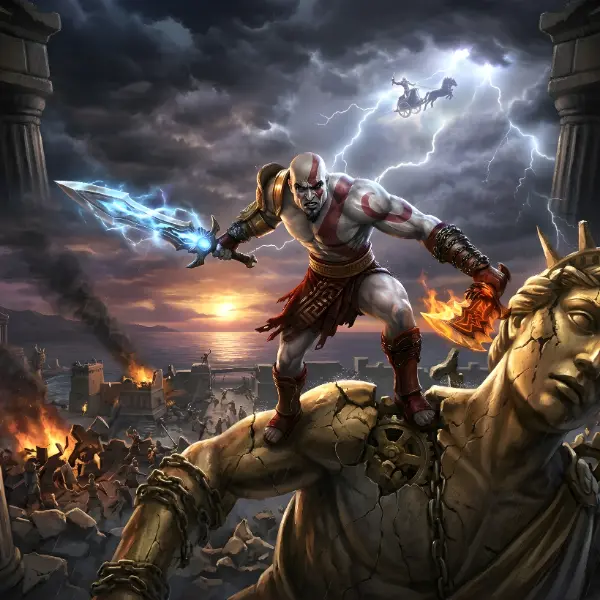
AetherSX2 support local split-screen or same-device multiplayer connecting multiple controllers via Bluetooth or USB and play games. NetherSX2, it’s community build successor support online multiplayer.
AetherSX2’s data transfer feature lets you easily export and import save files and save states. It supports formats like .ps2, .psu, and .bin, making it simple to back up progress or move saves between devices and emulators like NetherSX2 and PCSX2 without extra tools. Learn more about Aethersx2 save data transfer.
Requirements for aethersx2 Emulator
|
Specification |
Minimum Requirements |
|
CPU |
Snapdragon 845 or equivalent |
|
GPU |
Adreno 630 or equivalent |
|
RAM |
4 GB |
|
Android Version |
8.0 |
|
Storage |
2–4 GB free |
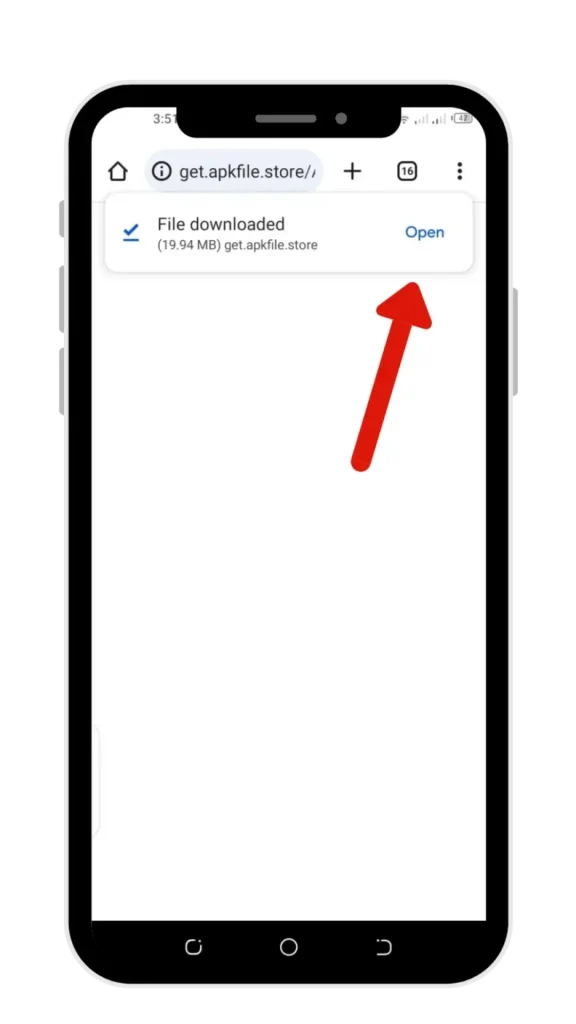
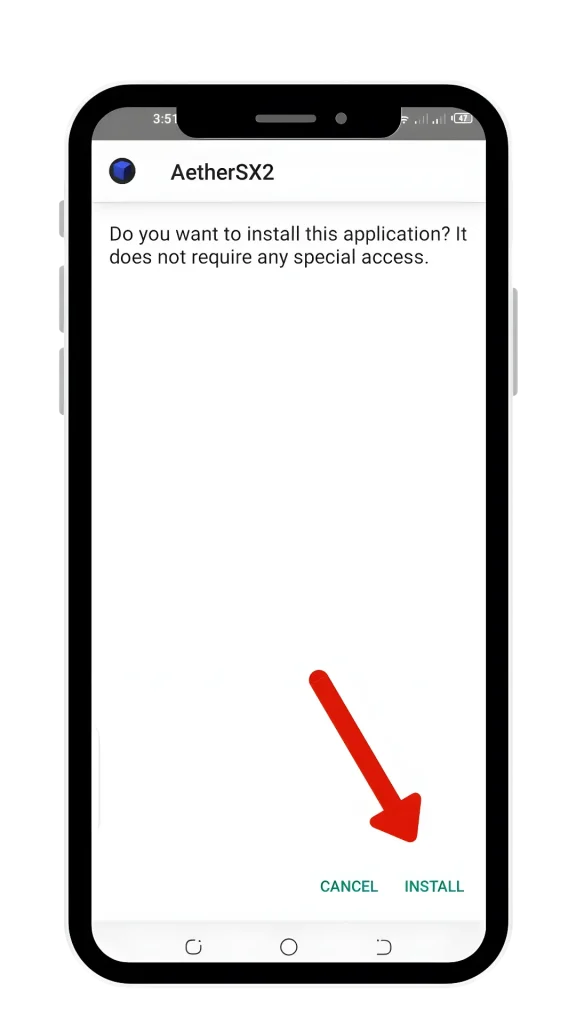
how to download aethersx2 on android?
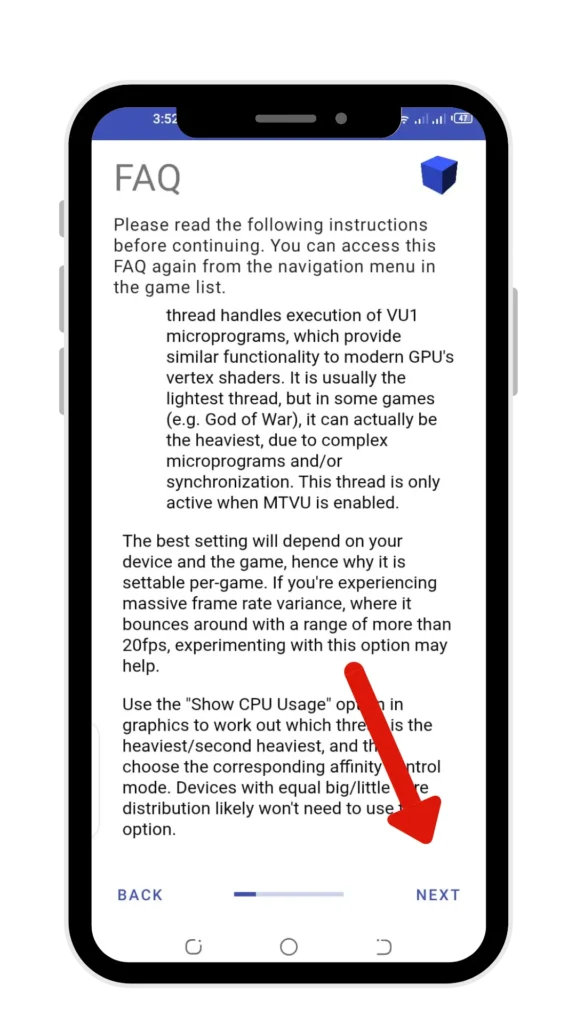
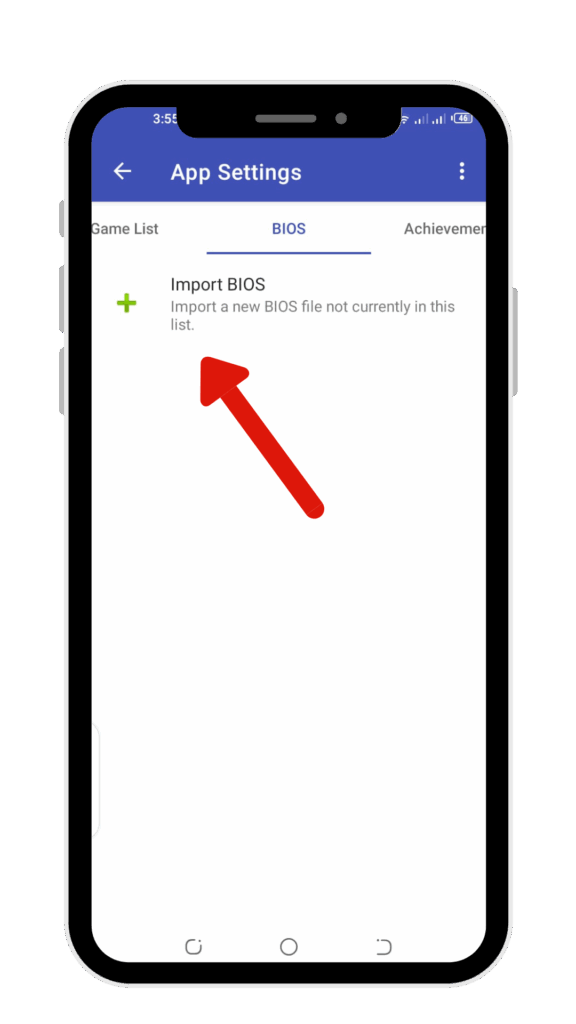
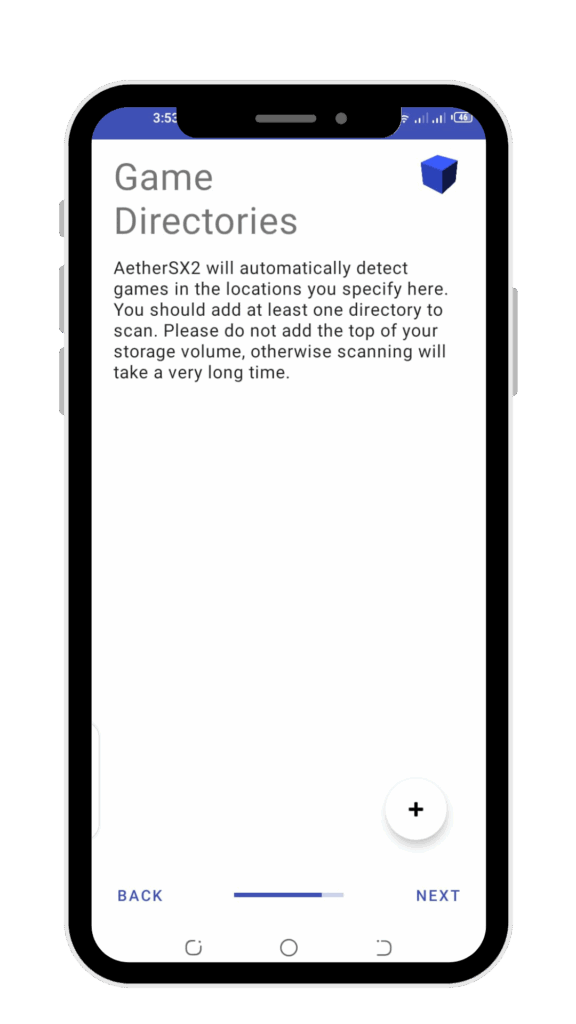

Best setting to Achieve Optimal performance
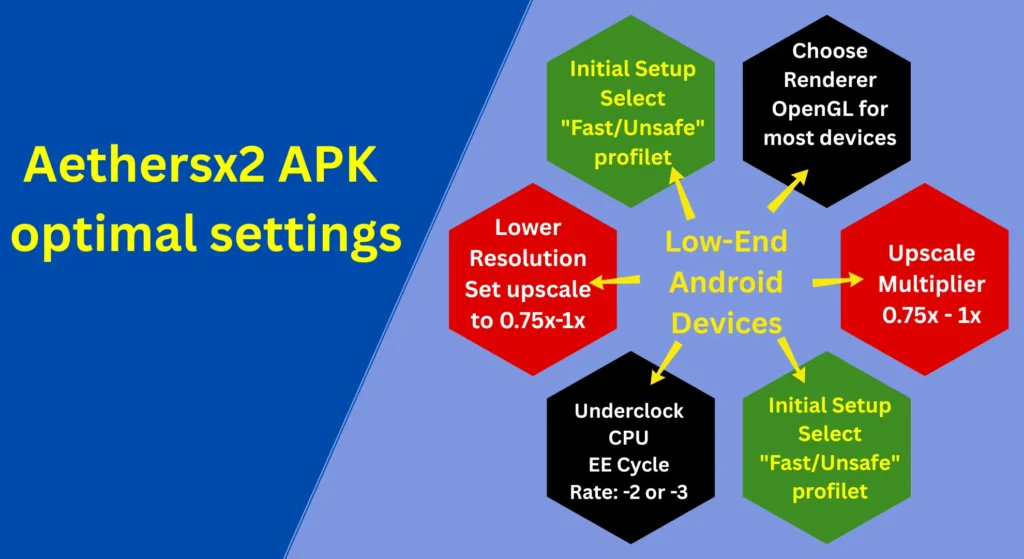
Modern devices like the Samsung Galaxy S23, Google Pixel 8, OnePlus 11, and iPhone 15 are now powerful enough to run demanding games such as God of War II, Gran Turismo 4, Shadow of the Colossus, and Resident Evil 4 smoothly. However, achieving a consistent 60 FPS can still be challenging on mid-range hardware. With the right optimizations, you can significantly improve performance and enjoy a more stable, lag-free experience. For a deeper dive and the latest tweaks, check out our updated AetherSX2 best settings guide.
Aethersx2 game compatibility
Supported game format
AetherSX2 android emulator supports several PS2 game file formats, including ISO (.iso), which is the most common and offers the best compatibility; CHD (.chd), a compressed format that saves storage; CSO (.cso), another compressed ISO format that may be slightly slower; BIN (.bin or .bin + .cue), used for some PS2 discs; MDF (.mdf), a less common disc image format; GZIP (.gz), a compressed image format; and ELF (.elf), which is mainly used for homebrew applications rather than standard games.
ISO
Best performance & compatibility
CHD
best balance smaller size, still good performance
CSO
smaller but sometimes slower
Pros and cons of Aethersx2 APK
|
Pros
|
Cons
|
|---|---|
Common Troubleshoot of aethersx2
This is the most common issue discussed on Reddit by users. Check whether you are using a valid BIOS file that matches your game’s region. Also verifying the integrity of your game ROMs files can resolve this.
If you are facing issues while launching, this may be resolved by clearing AetherSX2’s app data and cache or reinstallation of the app.
You may get stuck while using a few games, don’t worry. Doing experiments with different settings may improve compatibility. Please also check the game compatibility list on the Aethersx2 community forum.